

We have completely redesigned our customer portal for you. If the steps described in the guide differ from what you see, you will find a PDF version of the old guide at the end of this article.
Protecting Against Telephone System Failures: Setting Up Fallback Routing
To ensure that your IP phone system works reliably, certain basic requirements must be met—whether it runs in the cloud or is hosted on-premises:
- Power supply: A phone system won’t work without power.
- Stable network: The network infrastructure must function flawlessly to ensure data packets are transmitted correctly.
- Internet connection: VoIP telephony requires an active internet connection.
- Functioning hardware: All devices, such as routers, switches, and phones, must be working properly.
- Reliable phone provider: Of course, your phone provider and, if applicable, the host of your virtual phone system must also be reachable.
Easybell guarantees 99.99% availability of our SIP servers.
To ensure you’re reachable in an emergency, a simple contingency plan helps: Set up fallback routing—ideally before an emergency occurs.
What is fallback routing?
Fallback routing automatically forwards incoming calls to an alternative phone number if your phone system is unavailable. This ensures you remain reachable to customers and business partners—regardless of the outage.
How to Set Up Fallback Routing
1. Open Phone Settings
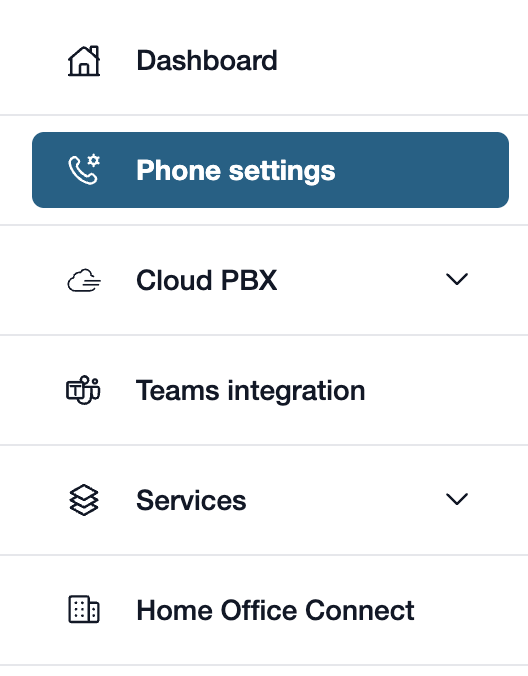
First, please go to my.easybell.
There, please click on “Phone Settings” in the left-hand menu bar.
Alternatively, you can also click on “Manage Phone Numbers” directly in the my.easybell dashboard.
2. Open the connection
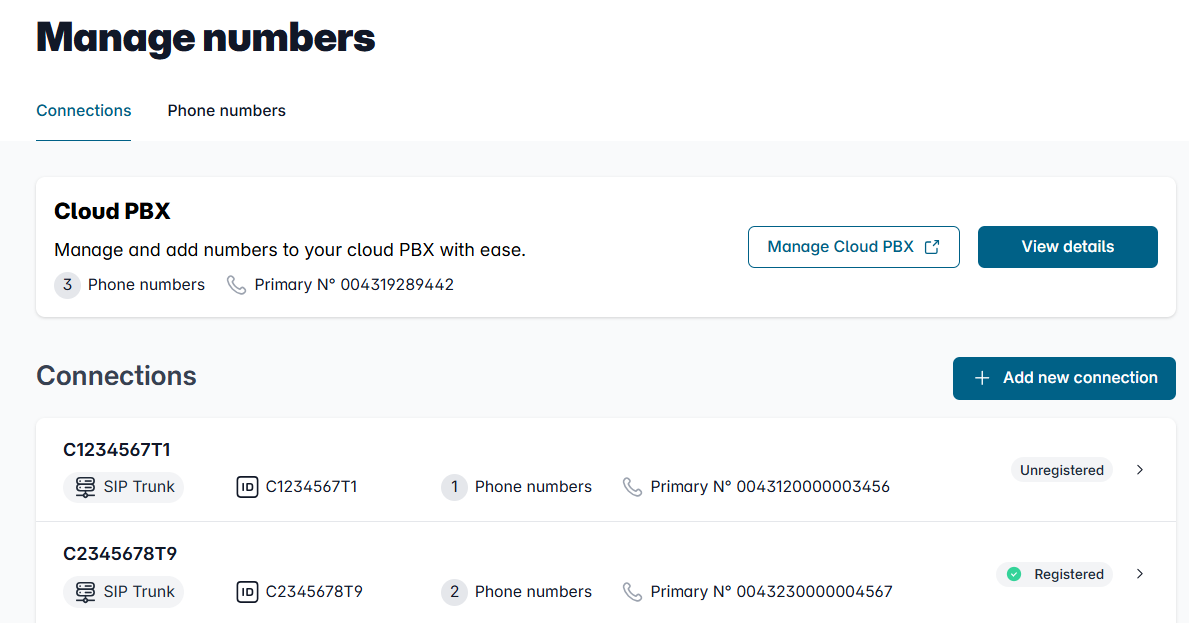
In the Overview of connections, please click on the connection whose settings you want to adjust.
3. Customize the configuration

In the details view, you will see an overview of the settings.
Please scroll to the "Configuration" section and click the "Change" button to the right of it.
4. Set up call forwarding
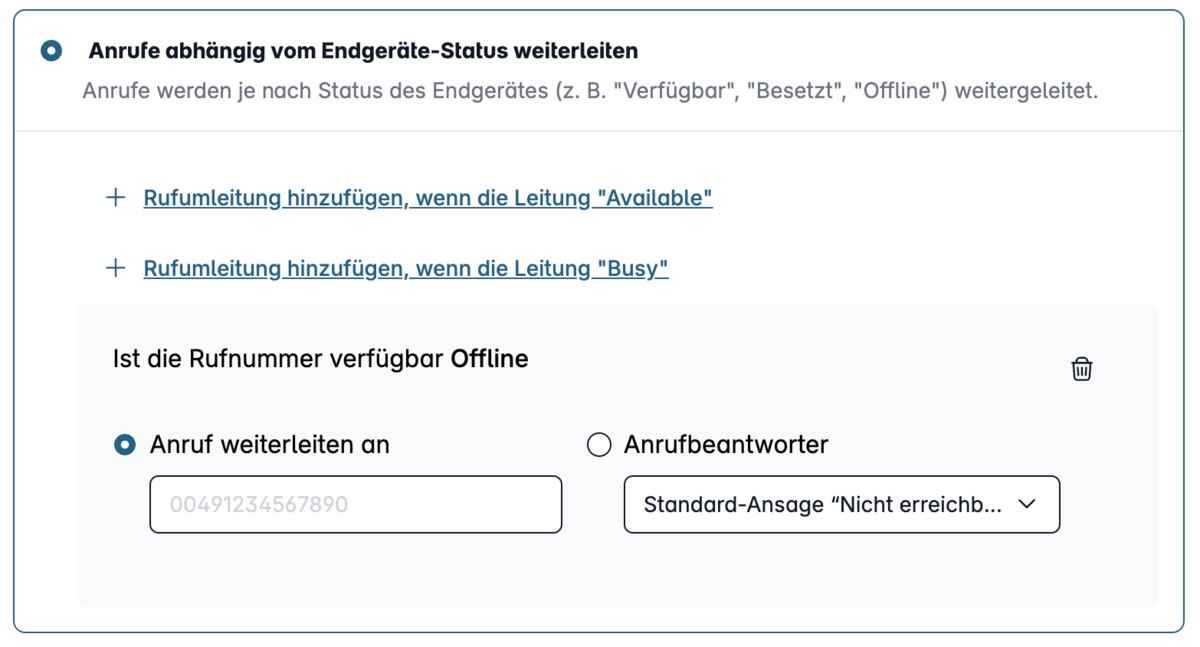
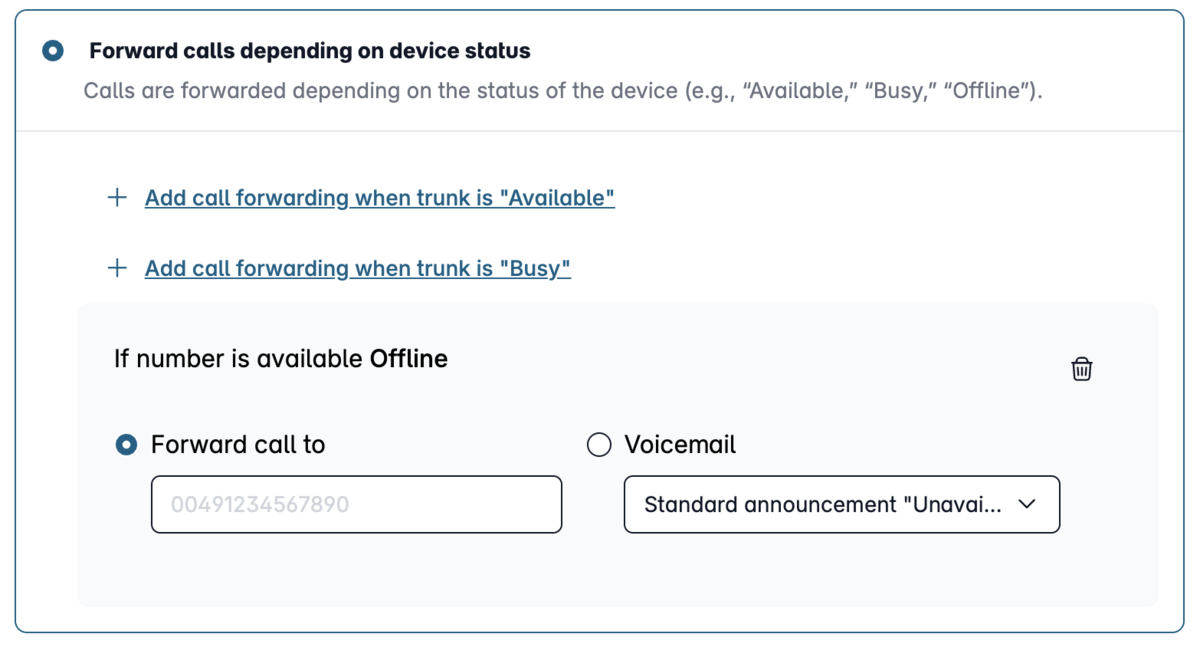
Look for the "Call Forwarding & Parallel Ringing" option there.
In this menu, you can configure all call forwarding settings for each phone status. To set up backup routing, please select the “Offline” status and enter the phone number to which calls should be forwarded in the event of an outage.
5. Save settings
Please don't forget to save these settings afterward.